Redeem Color My Flag Codes
The button path, common errors, and why a string fails even when it looks right.
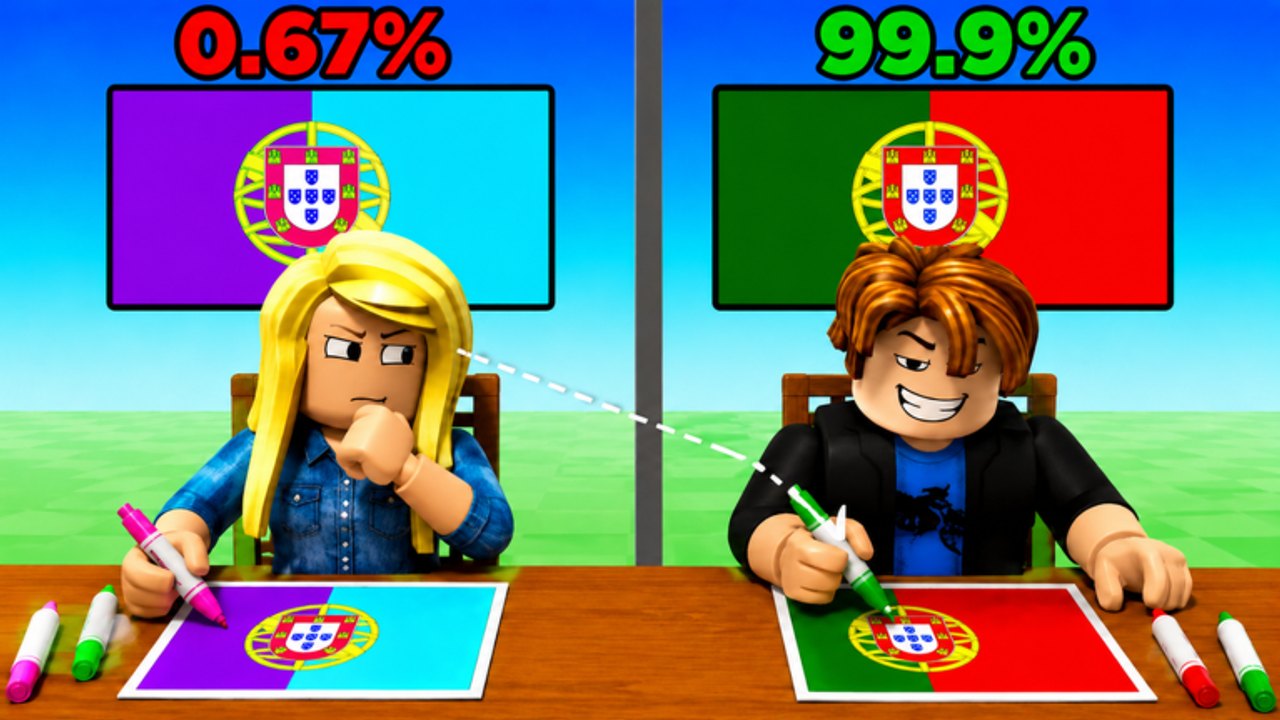
Redeeming a Color My Flag code is a thirty-second job once the GUI exists in your server. The wiki currently lists zero live strings on the codes hub, so this page is the map you follow the hour Country Colors posts one. Do not wait until a duel starts. Learn the buttons now, then paste the code, claim Cash, and return to painting.
Color My Flag is a live Roblox experience. It is not a Steam build and it is not local split-screen. You redeem on the same client you use to paint flags against an opponent. If your account cannot open the experience, it cannot redeem.
Step-by-step redeem path
- Open Color My Flag on Roblox and wait until the lobby or table loads. Codes GUIs in Party games often hide until the avatar is in the world.
- Like the experience and join the Country Colors group if the prompt asks. Many Roblox coloring games refuse the string until both are done.
- Look for a Codes, Twitter, gift-box, or shop tab on the left or top of the HUD. On mobile it may sit behind a hamburger that is not the Roblox menu.
- Type the code exactly. Mixed case, no extra space, no quotes.
- Press Redeem / Claim. Wait for Cash, Wins, or IQ to tick on the stats panel.
- If it fails, hop to a new server and try once more. Stale servers keep an old GUI.
If the Codes button is missing
New accounts and first joins sometimes load without the redeem tab. Leave the server, rejoin, and check the left HUD again. On phone, rotate to landscape so the shop column is not clipped. Console players should open the on-screen cursor and hover the gift icon. If the official description still never mentions codes, there may simply be no redeem GUI yet — that matches the empty active list.
Do not install a script that claims to auto-open the codes box. That is a ban path, not a feature. The script safety page explains why.
Errors you will actually see
| Message | What it usually means | What to do |
|---|---|---|
| Invalid / Unknown | Typo, extra space, or a code from another flag game | Copy from the codes hub only |
| Expired | Milestone window closed | Move it mentally to expired codes |
| Already redeemed | Your account used it | Stop retrying |
| Like the game | Requirement not met | Like, hop, retry |
| Join the group | Country Colors group missing | Join, hop, retry |
A code copied from Paint Flags, Find the Flags, or Guess the Country Flag or Die will never work here. Those are different experiences.
After Cash lands
Cash does not paint for you. Spend it after you know why you lose. If lookalike tricolors dump your streak, open similar flags. If emblems dump it, open hard flags. If you still miss the first-round loop, reread Getting Started and controls. A 2x Cash gamepass multiplies future earns; it does not replace a correct green on Brazil.
Keep this page next to the codes hub. When a string appears, redeem first, paint second.
Frequently Asked Questions
Quick answers for Color My Flag coloring duels.
Where is the Color My Flag codes button?
Usually on the left or top HUD after the world loads. Like the experience and join Country Colors if the game requires it, then hop servers if the tab is missing.
Do I redeem codes in the Roblox catalog?
No. Color My Flag codes are typed in the experience GUI, not in the website Promocodes box.
Why does a code work for my friend but not me?
You may have already redeemed it, skipped the like/group check, or sat in an old server. Hop once and compare the string letter for letter.
Can I redeem on mobile?
Yes. Use the on-screen Codes or shop tab. Landscape mode makes the field easier to tap.