Color My Flag Controls
How to pick a hue and fill a flag without wrecking a Nordic cross.
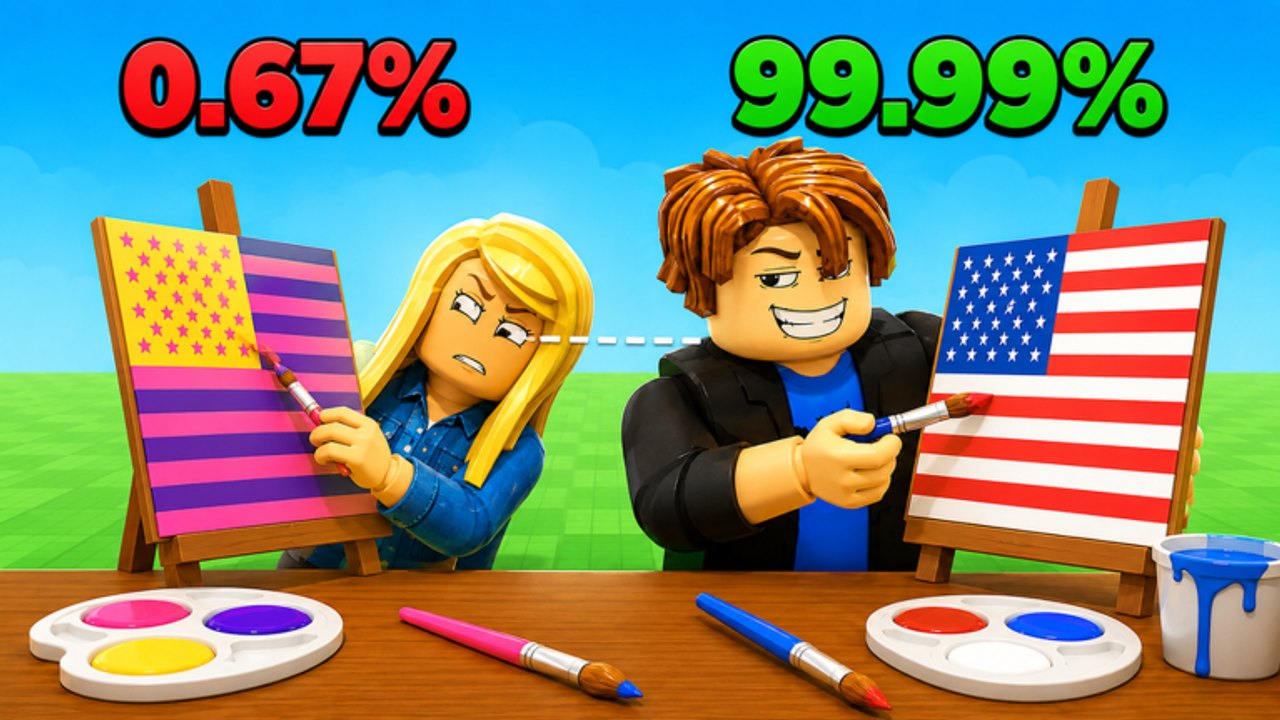
Color My Flag looks simple: pick a color, paint a flag. Most losses that feel like “I slipped” are actually control problems. You overshot the white cross on Denmark, you filled France’s fly with the hoist blue, or you could not tap a small star on a phone. This page is the input map that sits under Getting Started and accuracy tips.
The experience runs on Roblox for PC, mobile, and console. There is no special desktop-only mode. Your opponent may be on a phone while you are on a mouse. The scoring still only cares about the pixels you filled.
PC
- Move camera / look: right mouse or standard Roblox camera orbit if the table is 3D.
- Select a color: left click a swatch, marker, or palette slot. Official thumbnails show markers on the table and palettes on easel rounds.
- Paint: left click and drag across the region you want to fill. For bucket-style regions, a single click on a band may flood that shape — test it on an easy flag like Japan before you need it on Brazil.
- Change color mid-flag: click a new swatch before you touch a new band. Painting the United States canton blue, then forgetting to switch to white, is how stars go navy.
- Undo: if the GUI offers an undo or reset on the current flag, use it. A full-flag reset is better than submitting a pink United States.
Sit close enough to see thin fimbriation (the white edge on many African flags). Zooming out to look cinematic is how you miss Botswana’s black stripe.
Mobile
- Select color: tap the swatch. Fat-finger the wrong red and you will paint Canada’s maple leaf in orange.
- Paint: tap-drag. Lift between bands so you do not smear France into a purple mess.
- Zoom: pinch before you attempt stars, crescents, or Portugal’s armillary sphere.
- HUD: the Codes and shop tabs share space with the palette. Landscape mode helps. Do not open the Roblox menu when you meant to open the color tray.
If you main mobile, practice easiest flags until fills are clean, then move to hard flags. Emblem countries are a tax on small screens.
Console
Use the on-screen cursor. Hover a swatch, confirm, then paint. Analog drift is real — deadzone a little if your stick paints diagonals across Germany. Console players should treat Nordic crosses and the Union Flag as slow rounds. There is no shame in that. Accuracy still beats a messy rush against a mouse user.
Habits that raise accuracy
- Big field first. Fill the red on China before the gold stars.
- One band, one color. Finish Germany’s black entirely before you touch red.
- Edges last. The white fimbriation on Namibia or the thin yellow on Spain comes after the fields.
- Stop when the template is full. Extra strokes in a “pretty” highlight color are how you go from 96% to 12%.
Pair this page with how to win so you know when to slow down, and with the flag color chart so the swatch you pick is the right swatch. Controls cannot save a player who paints Ireland from the wrong hoist. That is a similar flags problem.
If a patch remaps buttons, the updates hub will note it. Until then, assume click-or-tap to paint, and assume the client is grading hue, not effort.
Frequently Asked Questions
Quick answers for Color My Flag coloring duels.
Does Color My Flag use a paint bucket or a brush?
Rounds use click-or-tap fills on flag regions, with drag for leftover edges. Test the fill on a simple flag like Japan before an emblem country.
Can I play Color My Flag on a phone?
Yes. Pinch zoom before stars and crosses, and use landscape so the palette is not sitting under your thumb.
Why do my fills spill into the next stripe?
You dragged across a boundary or never switched color. Lift between bands and re-select the swatch every time.
Is there a control for undo?
Use any in-round reset if the HUD shows one. Submitting a wrong full flag is worse than spending the time to recast the large field.